
02. Scenario Editing
A finished scenario can be edited in two ways.
If you need to make small edits, such as replacing a word or fixing a mistake, you can do this manually.
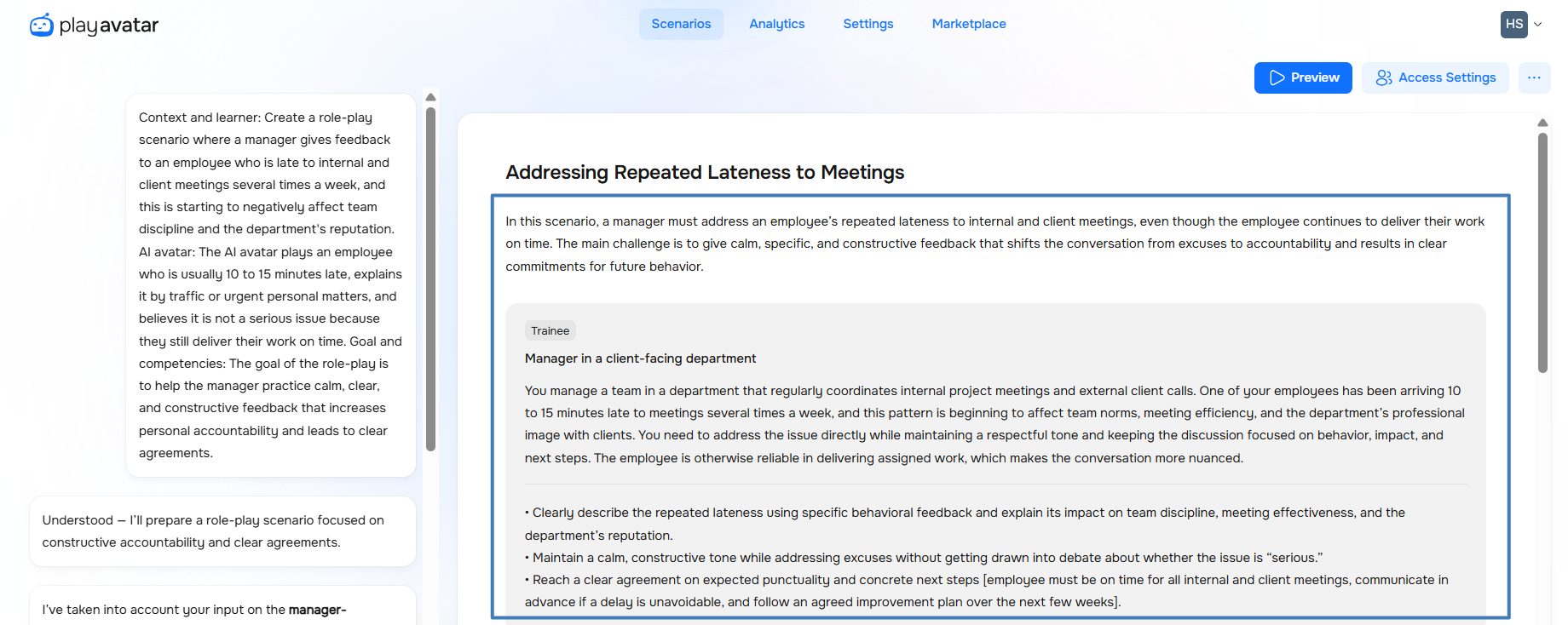
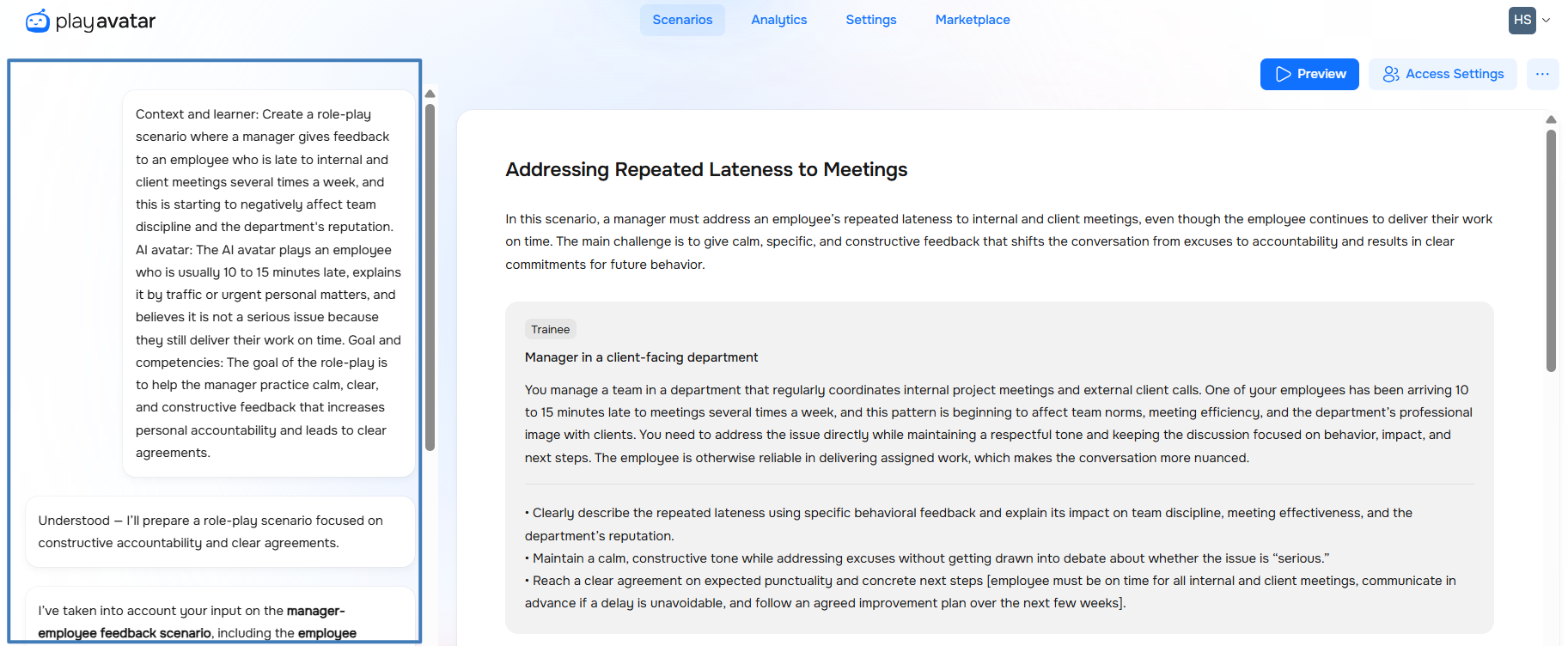
If you're planning to entirely change the game's plot or the bot's appearance, the chat on the left is best suited for this.
We'll describe each method below in this article.
Manual Scenario Editing
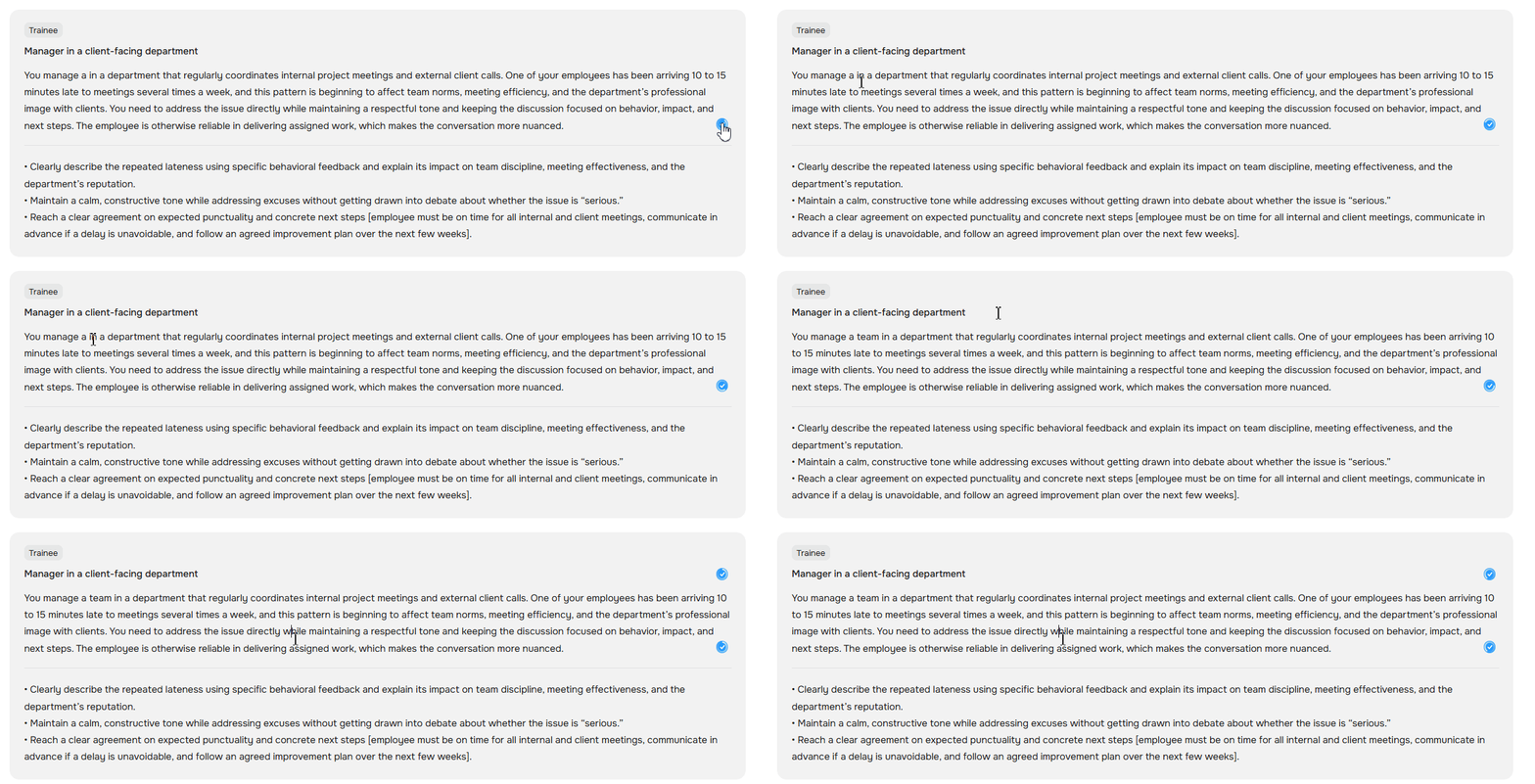
To edit existing text, for example, to replace a phrase, add, or delete sentences, click on any block, enter the new value, and press Enter. The system will automatically apply the changes.
Scenario Editing Using the Chat
For more complex, conceptual changes, such as changing the context, altering character behavior, or adding new plot twists, make changes through the chat with the AI on the left.
Write what you want in the dialog box on the left and submit it for generation.
Then the AI will respond: "Understood—I’ll prepare the role-play scenario with a blonde woman in a blue sweater."
Wait for the system to create a new version of the scenario section.

Need Help
Write to us in the chat — we're always happy to help 💬