
Editing an existing scenario
How to open a scenario you've already created and make changes.
Any finished scenario can be reopened and edited. This is useful when you need to update information or refine the scenario based on feedback.
How to open a scenario for editing
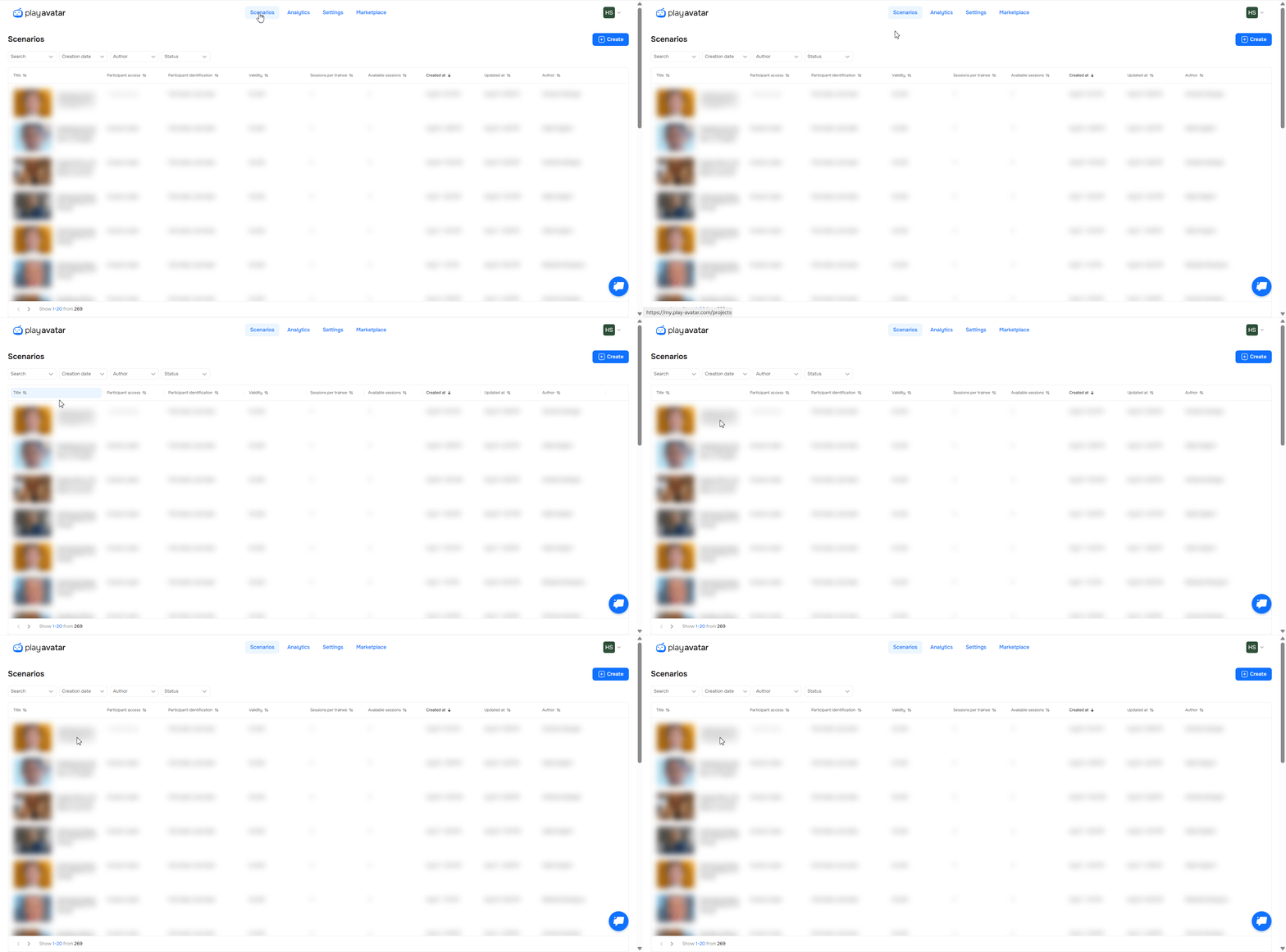
- Open the "Scenarios" section.
- In the table, find the scenario you need and click on it.
- The scenario editor will open.
If you need to run several scenarios for the same situation, simply duplicate the existing scenario and edit the copy.
Need Help
Write to us in the chat — we're always happy to help 💬