
Scenario Duplication
You can create a copy (duplicate) of a scenario. This is useful when you need to preserve the original settings but also want to experiment with new evaluation criteria, add details to role descriptions, or play out a new situation.
How to duplicate a scenario
Open the "Scenarios" section.
In the table, find the scenario you need and click on it.
On the scenario page, click the more options menu and select "Duplicate Project".
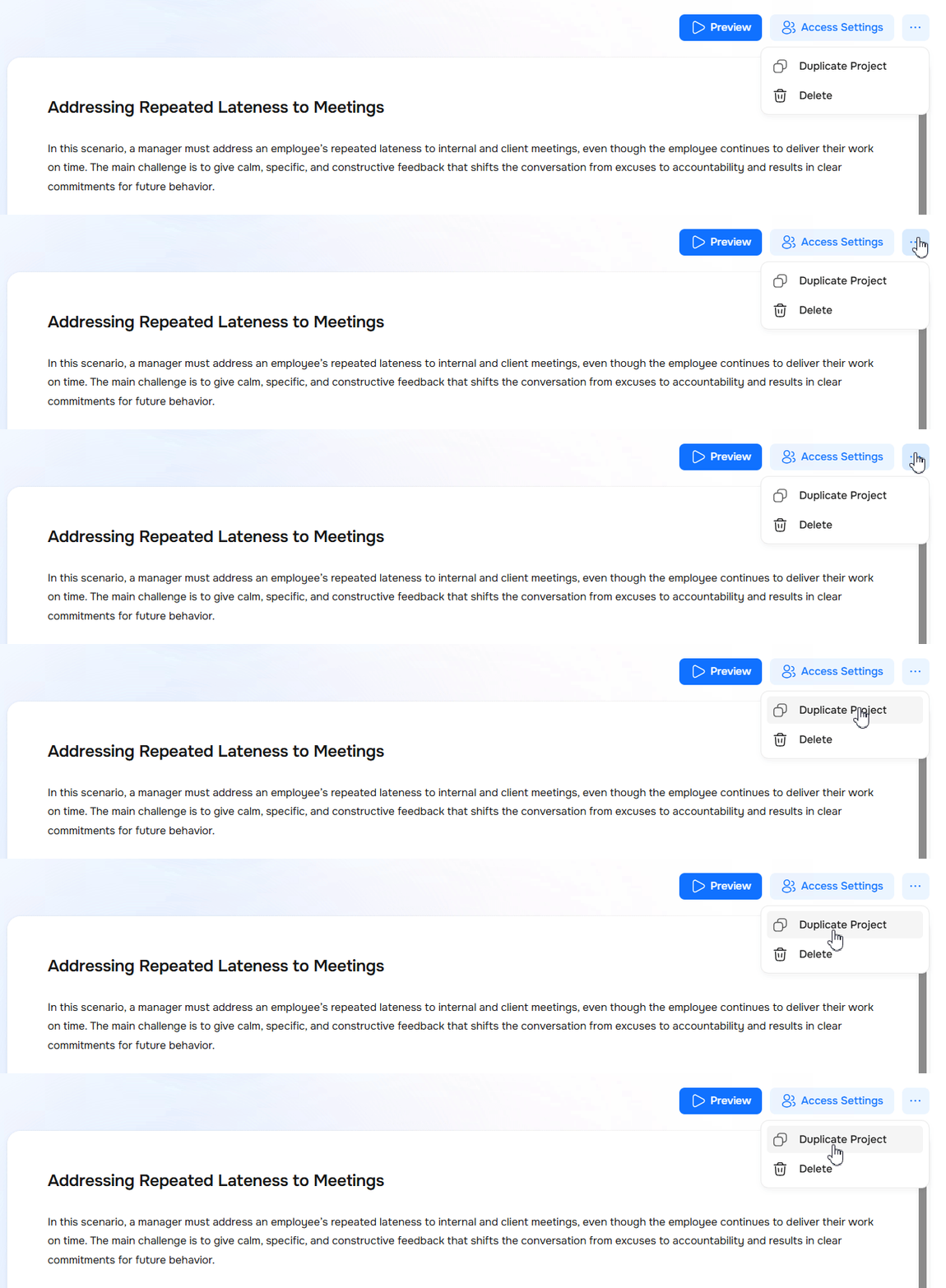
Once you click it, a copy of the scenario is created immediately. It will appear on your screen and will be fully ready for you to start editing.
Duplicating from the scenario library
You can also make a copy directly from the library. To do this, find the scenario in the table, click the more options menu next to it, and select "Duplicate".

💡To avoid mixing them up, rename the new scenario right away. For example, add a label like "copy" or "test" to the name. You can change the scenario name in the editor.
Need Help
Write to us in the chat — we're always happy to help 💬