
Deleting a scenario
How to delete an unwanted scenario.
The scenario can be deleted during creation, from the library, or via the editor. It cannot be restored after deletion.
During scenario creation
If you are in the process of creating a scenario, you will see a red "Delete" button. Click it — the scenario will be deleted and will not end up in the library.

From the library
In the table, next to the scenario you need, click the three dots and select "Delete".

Via the editor
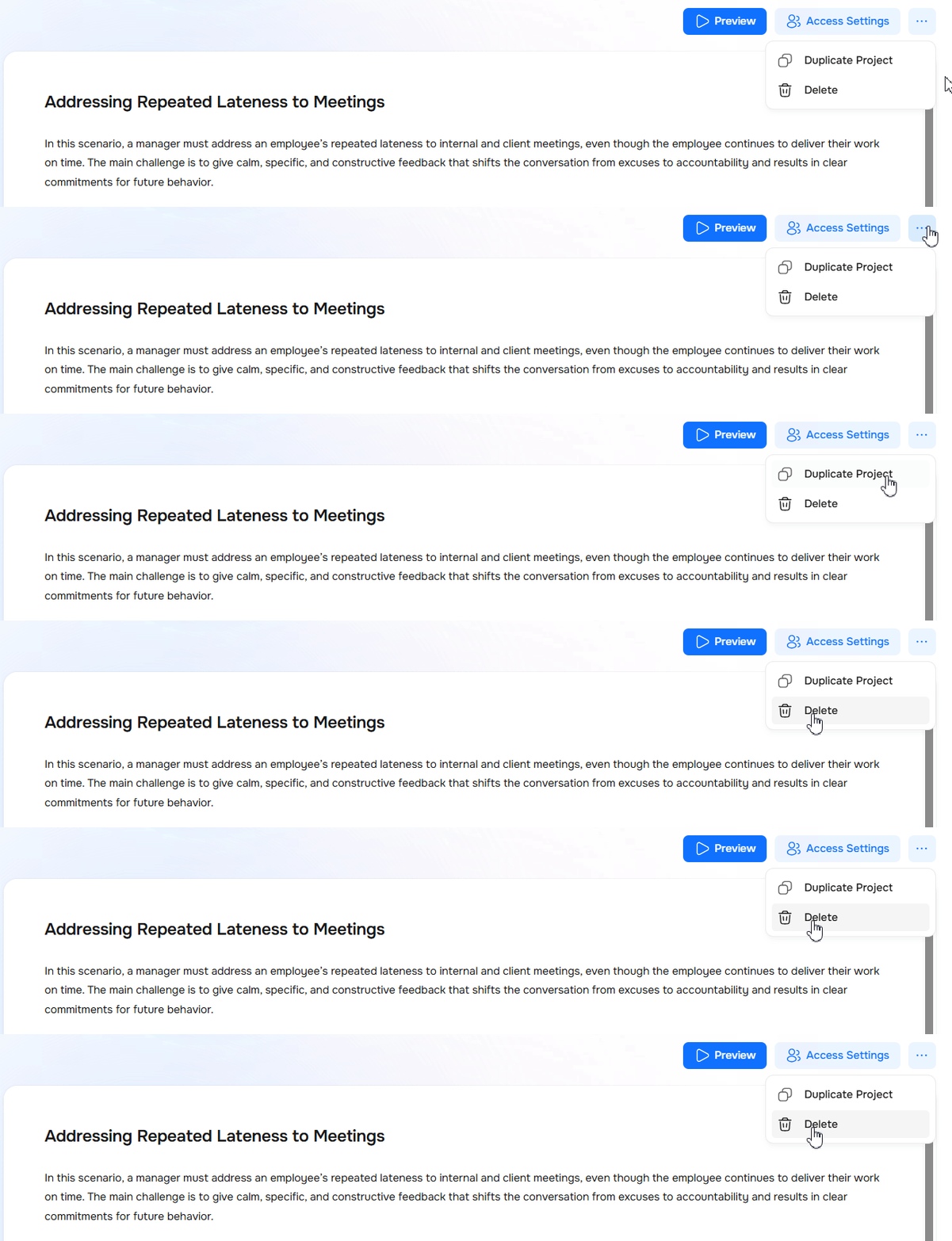
If a script is outdated or no longer needed, it can be deleted. On the script page, click the three dots and select "Delete".
Need Help
Write to us in the chat — we're always happy to help 💬