
Assigning a roleplay to an employee
How to assign a roleplay to an employee using a link.
Step 1. Copy the roleplay link
Here's how:
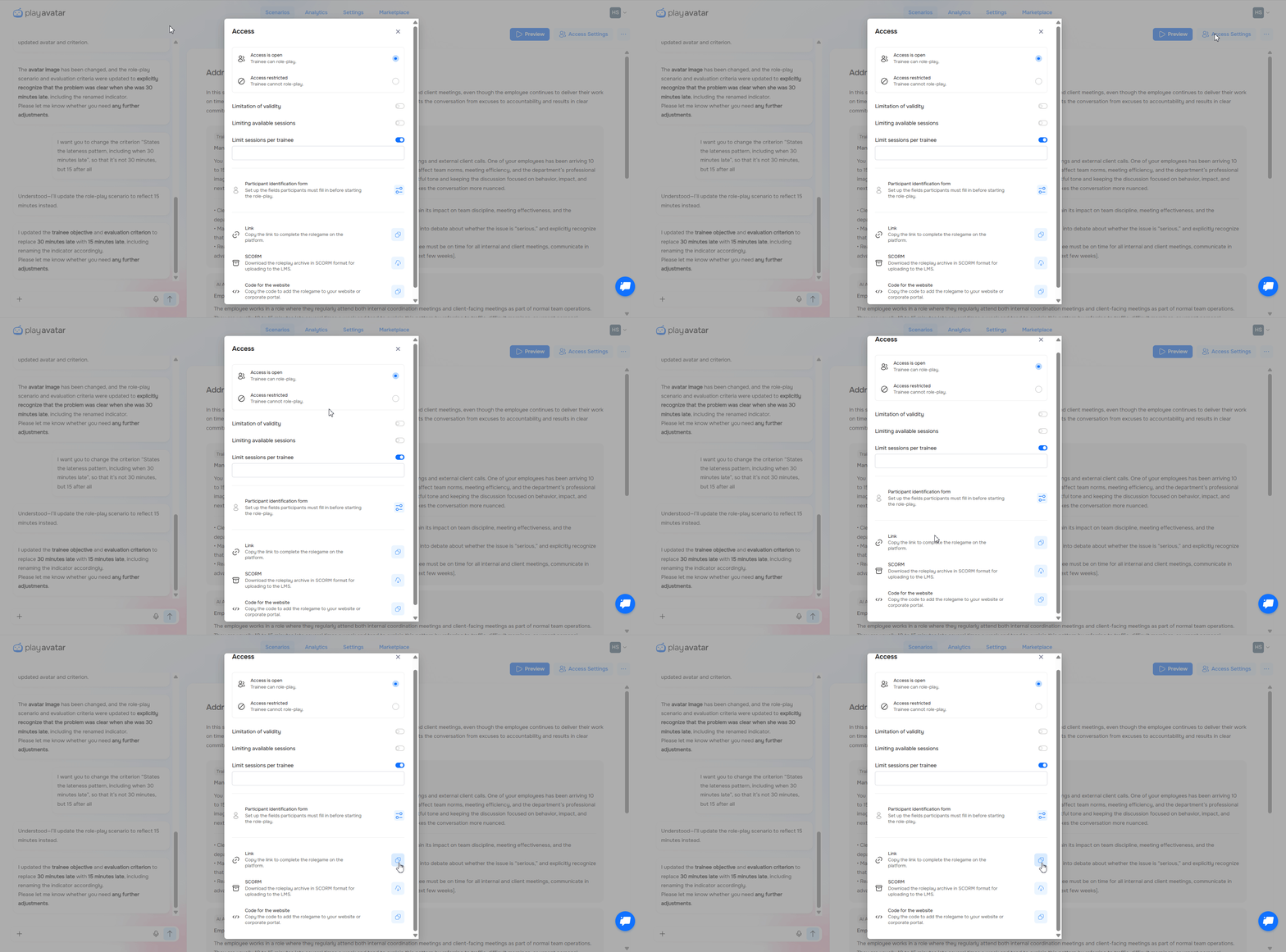
Open the roleplay.
Click the "Access Settings" button.
In the "Link" section, click the copy icon — the link will be saved to your clipboard.
Step 2. Share the link with the employee
No extra setup is required. Just paste the link into an email, a messenger, or your work chat and send it.
The employee simply clicks the link and starts the roleplay.
Need Help
Write to us in the chat — we're always happy to help 💬