
Marketplace
The Marketplace is a library of ready-made scenarios available to you. Use them to quickly launch roleplay for employee training — no need to build everything from scratch.
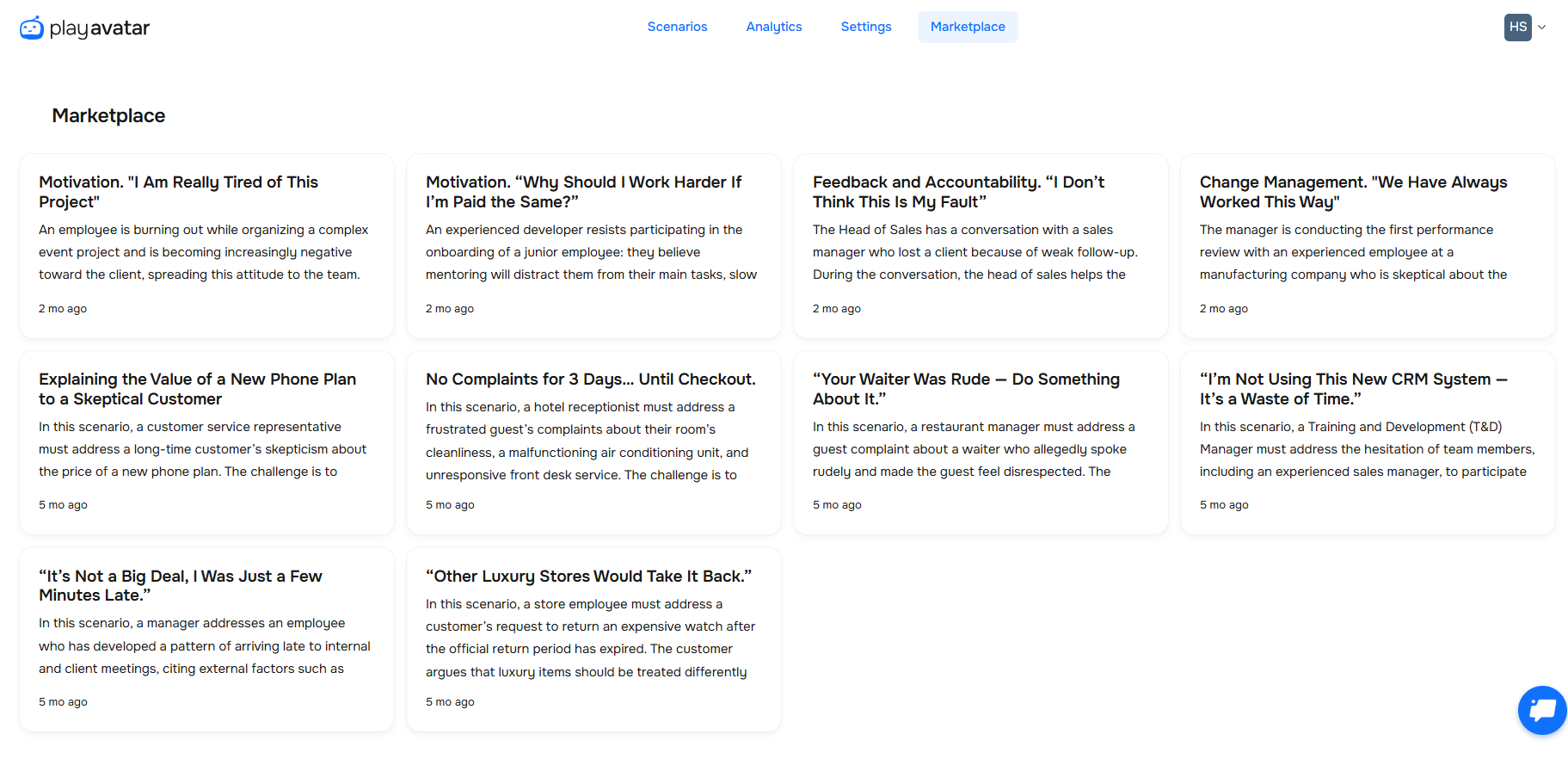
Getting to the Marketplace
Click the "Marketplace" tab. You'll see a page with all the scenarios currently available to add.

Here you'll find scenarios covering the most popular topics, as well as games built specifically for the needs of particular industries.
Reviewing a scenario before adding it
Click any scenario in the list — a card will open with its description, a ready-made dialogue, and scoring criteria.
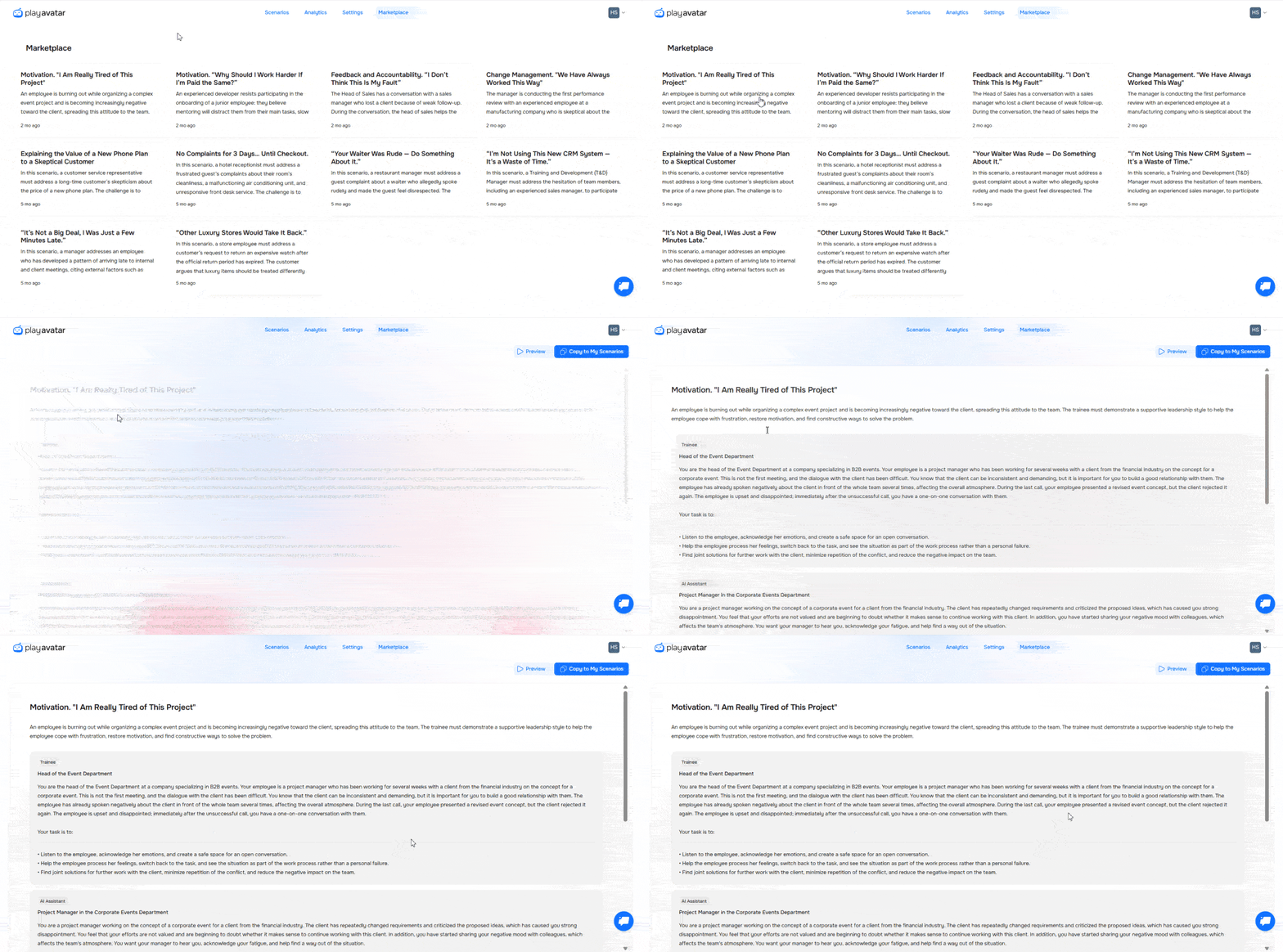
To test a scenario, click "Preview". You'll be able to review the backstory, chat with the bot, and get a report with your results. Your session will also show up in "Analytics" → "Sessions".
Adding a scenario to your workspace
If the scenario fits your needs, add it to your workspace so you can customize it.
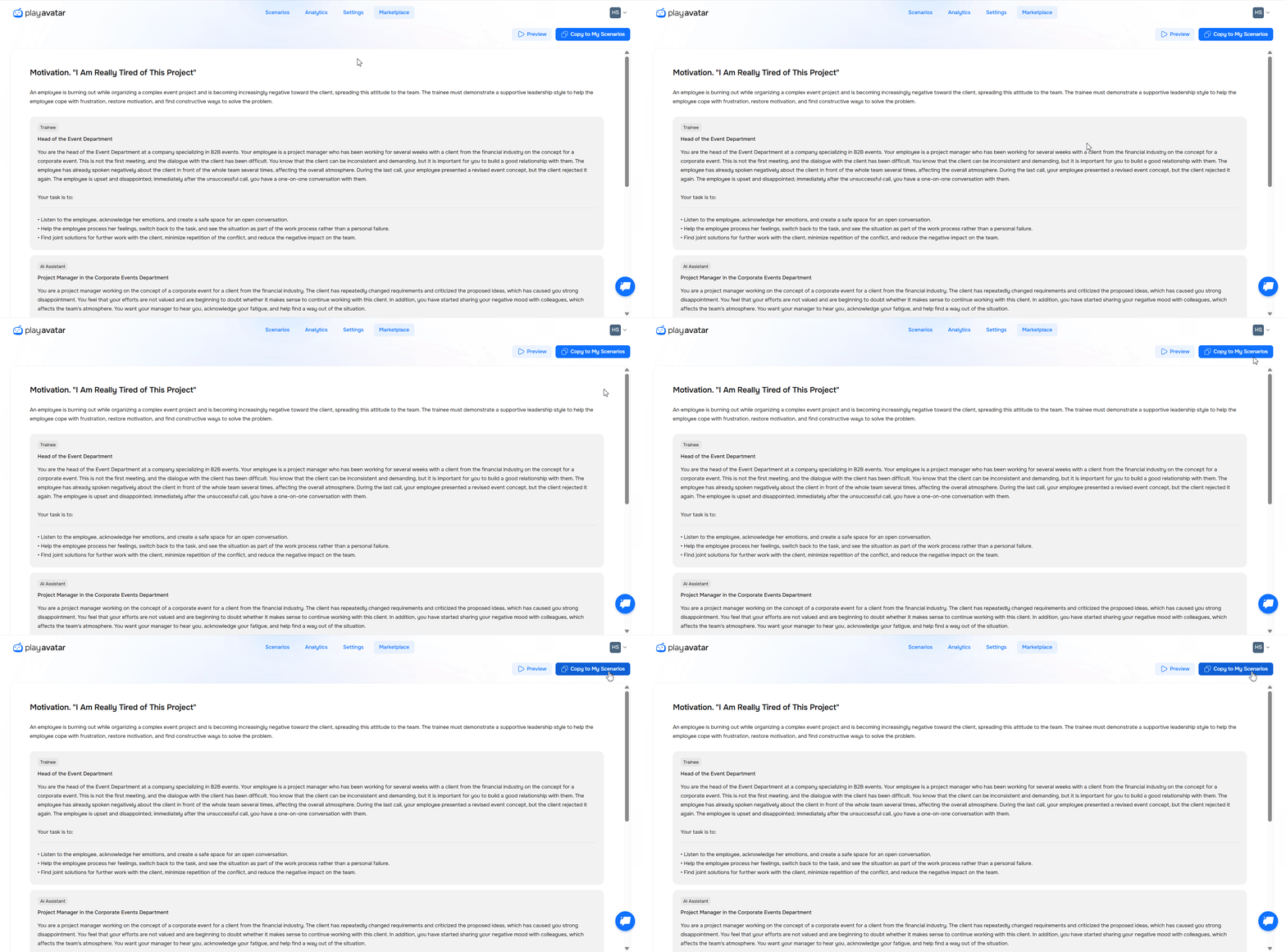
Click "Copy to my Scenarios". Right after copying, you'll be taken to the scenario builder. Make any edits you need and save your changes.
Need Help
Write to us in the chat — we're always happy to help 💬