
Community Ideas
Community Ideas is a public section where you can suggest an improvement for Verbo. Here you can vote for interesting proposals.
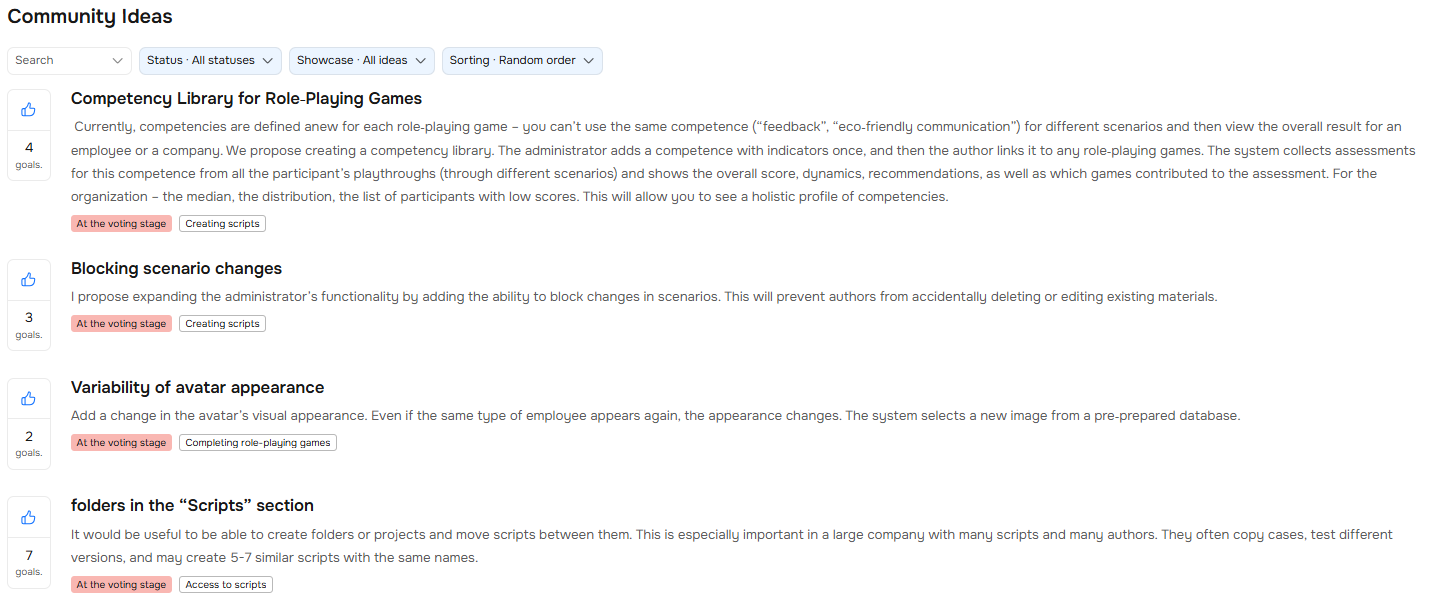 Where to Find It
Click your avatar in the top-right corner and select "Community Ideas" from the dropdown menu.

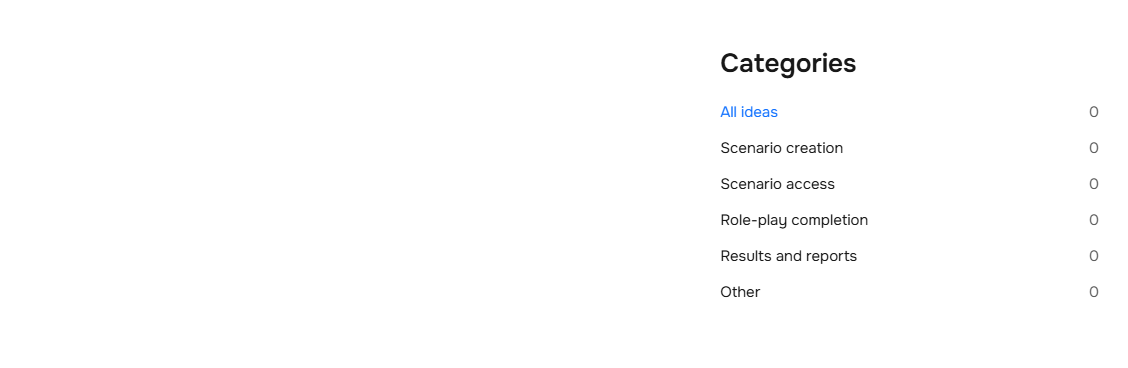
Categories
Ideas are grouped by category. Select the one you need and you'll see all proposals on that topic. Next to each category, you'll see how many ideas are in it.
How to Check if a Similar Idea Already Exists
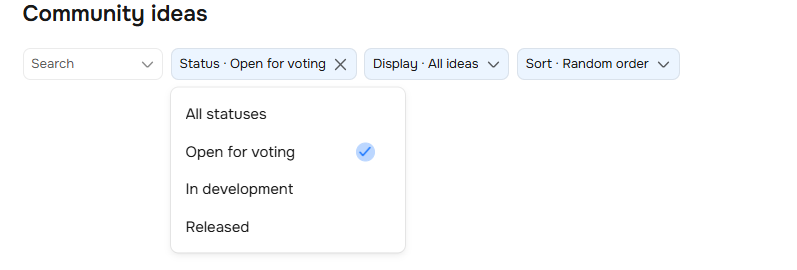
Enter keywords into the search bar. To narrow down the results, use the filters:
- Status — "Open for voting,", "In development," "Released."
- Display — all ideas or only yours.
- Sorting — random order, by number of votes, or by publication time.
✨ Click any status (for example, "Open for voting") and the platform will automatically show only ideas with that status.
To clear all filters, click the "Reset all" button.

How to Add Your Own Idea
To submit your idea, click the "Suggest an idea" button. Then write its title, describe it, and send it.
💡 Before publishing an idea, make sure a similar one doesn't already exist. If you have multiple suggestions, even within the same topic, submit each one as a separate idea. That way they can be voted on individually.

How to Vote for an Idea
Click the 👍 next to an idea — its full description will open. There you'll also find the form "How important is this feature to you?" Fill it out — your rating directly influences development priority. Then click the "Vote" button.
⚠️ You can vote for a given idea only once per account.

Idea Statuses
There are three idea statuses:
- Open for voting — users are voting, the idea is building momentum.
- In development — we're already working on it.
- Released — the feature is live.
An example of this status is shown below.
✨ When the status of your idea changes, you'll receive an email. That way you'll always stay informed, even without visiting the platform.
When an idea is implemented, a green checkmark ✅ appears next to it.

Need Help
Write to us in the chat — we're always happy to help 💬